My T430
13 years ago I got a Lenovo T430 ThinkPad to use for college. Over the years I’ve upgraded, replaced, and modded many parts of the laptop. At this point my friends joke it’s the “Laptop of Theseus”.
Thanks to the upgrades it’s still a pretty capable machine even running the most up-to-date Debian and Firefox on modern websites like YouTube. I use this machine for programming or any tasks that require a Linux OS as my other laptop is a MacBook.
Not the fastest. But cold-starting Firefox and launching YouTube is meant to highlight the age of the system.
Here are the specs:
| Part | Original | Current |
|---|---|---|
| CPU | i5-3230M | i7-3840QM (OC’d to 4GHz) |
| RAM | 4 GB DDR3 1333MHz | 16 GB DDR3 1600MHz |
| Storage | 250 GB HDD | 500 GB SSD |
| Display | 1600x900 TN | 1920x1080 IPS |
| BIOS | Lenovo UEFI | Coreboot + SeaBIOS |
| WLAN | Up to 802.11n | 802.11ac + BT |
| Charging | Barrel Jack | USB-C |
| Battery | 6 cell OEM | 9 cell OEM |
Here’s what it looks like today.
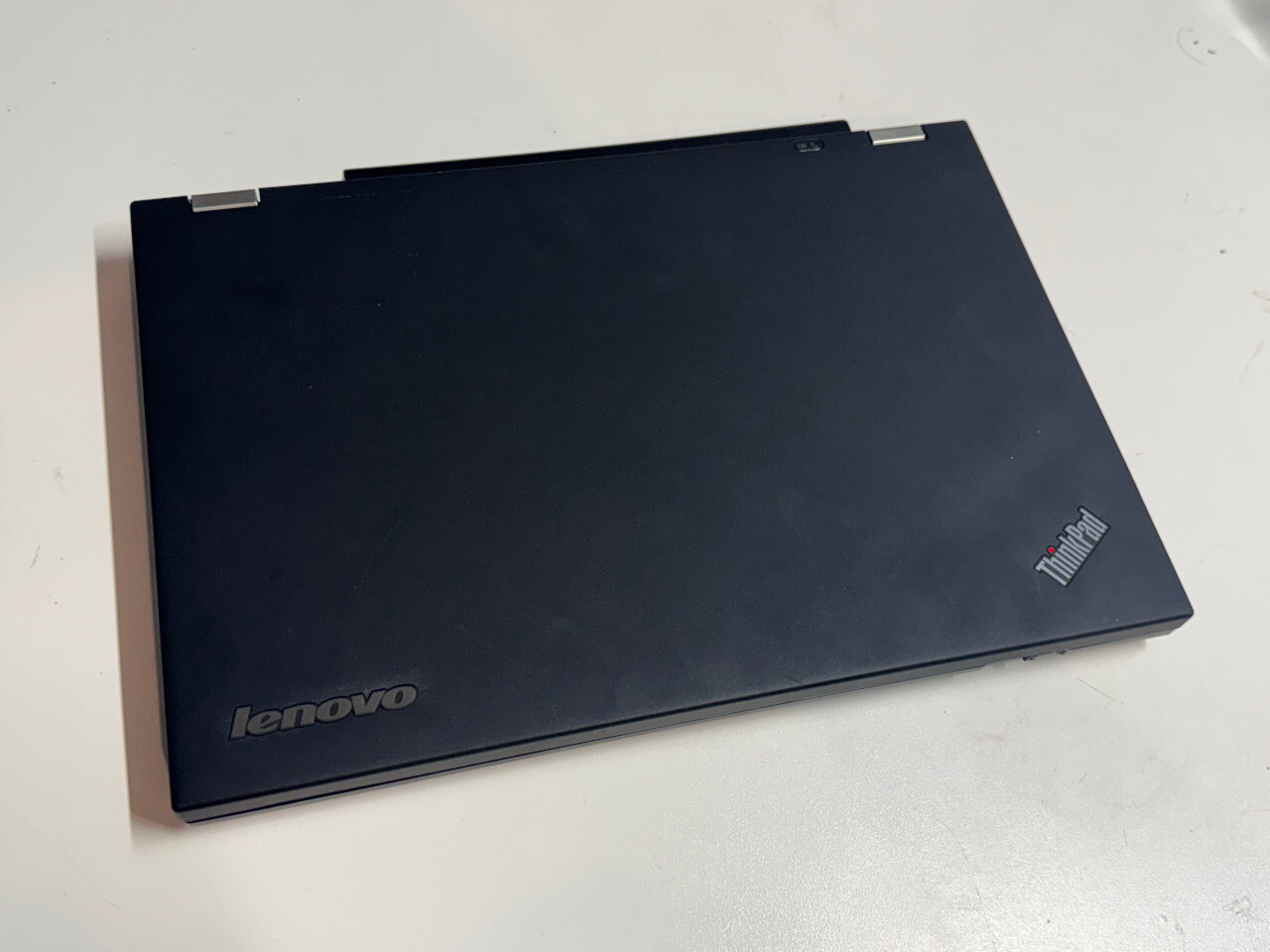
I just replaced the top lid with new-old stock from eBay so it looks great.
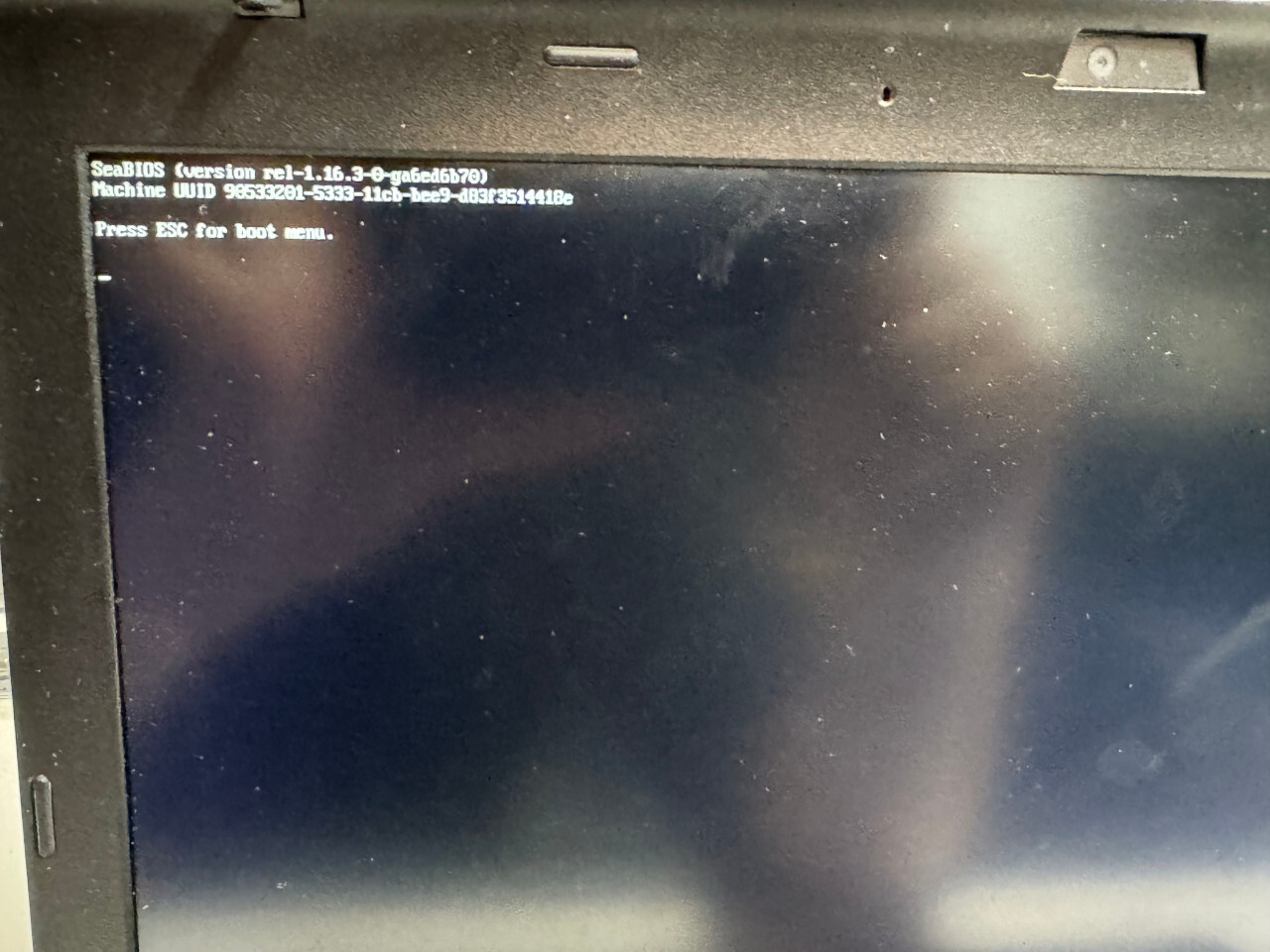
I replaced the stock Lenovo firmware with CoreBoot which removes all of the artificial locks on hardware capabilities. This enabled me to install an improved WiFi module. Properly configured, CoreBoot will have a neutered Intel Management Engine. Intel ME is a system that exists below the kernel and can respond to commands over the network even if the computer is powered off. It’s not a feature I use so I figure I’m better off without it.
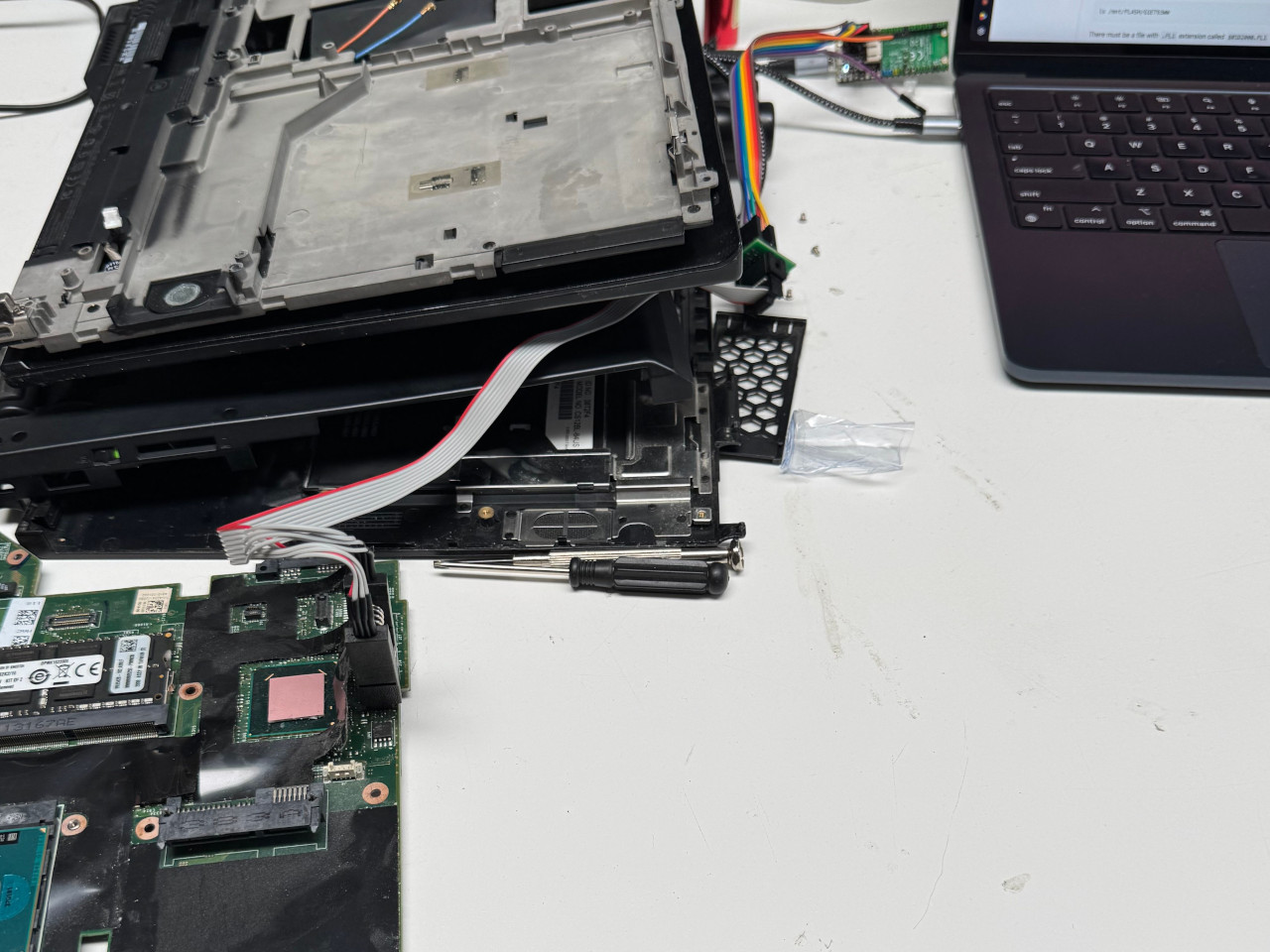
There are two ways to flash the firmware. Through software or with an SPI programmer. I figured if I screwed up the software approach I’d need an SPI programmer anyway and went with the fun option. You need to completely disassemble the computer to get at the chips which makes the process a hassle.
You can see a Pi Pico 2W at the top of the image, flashed to behave as a chip programmer and driven by my other laptop.
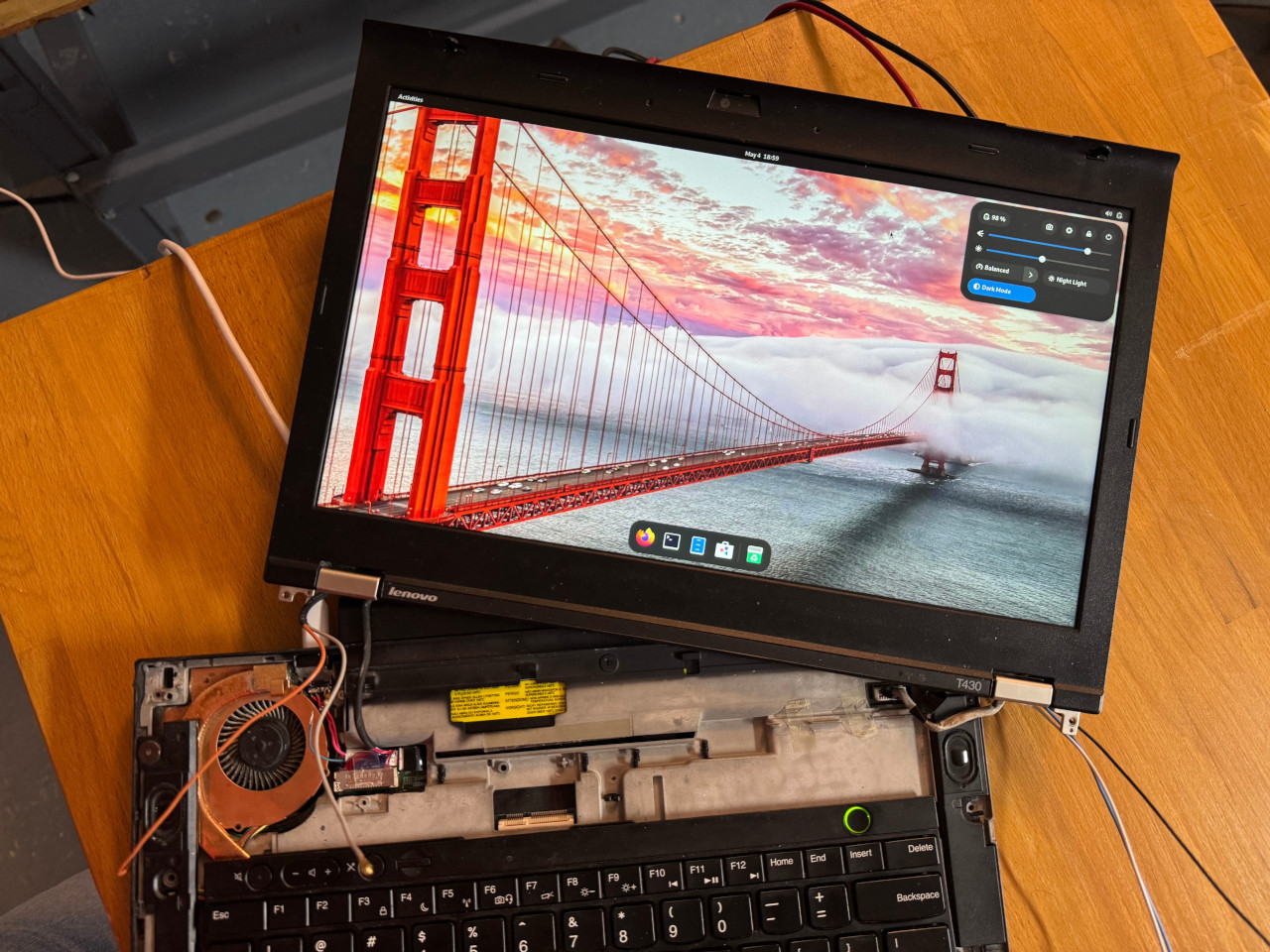
One of the most impactful upgrades was the installation of a USB-PD board where the old barrel connector used to be. This mod is fairly simple because the original power supply outputs 20 volts, and that is one of the voltages supported by the USB power-delivery spec. You just need to solder it right into the original wires running from the barrel connector into the motherboard. The board can handle up to 5 amps, so with a good enough USB-C power supply you can pump 100W into the computer, well above the original power supply’s 65W.
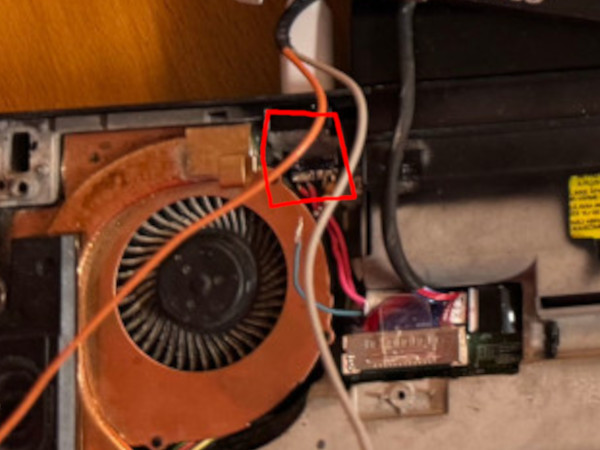
Here I have the chip highlighted in red although it’s hard to see. I 3D printed a small part to keep the USB-C port in position.
You might also notice that the screen looks pretty decent. I upgraded the screen from the stock 1600x900 TN to a 1080p IPS. This improves not just the resolution but also the colors and viewing angles. I believe it is possible to upgrade further to a 1440p panel but I’d be worried about pushing the integrated GPU too hard.
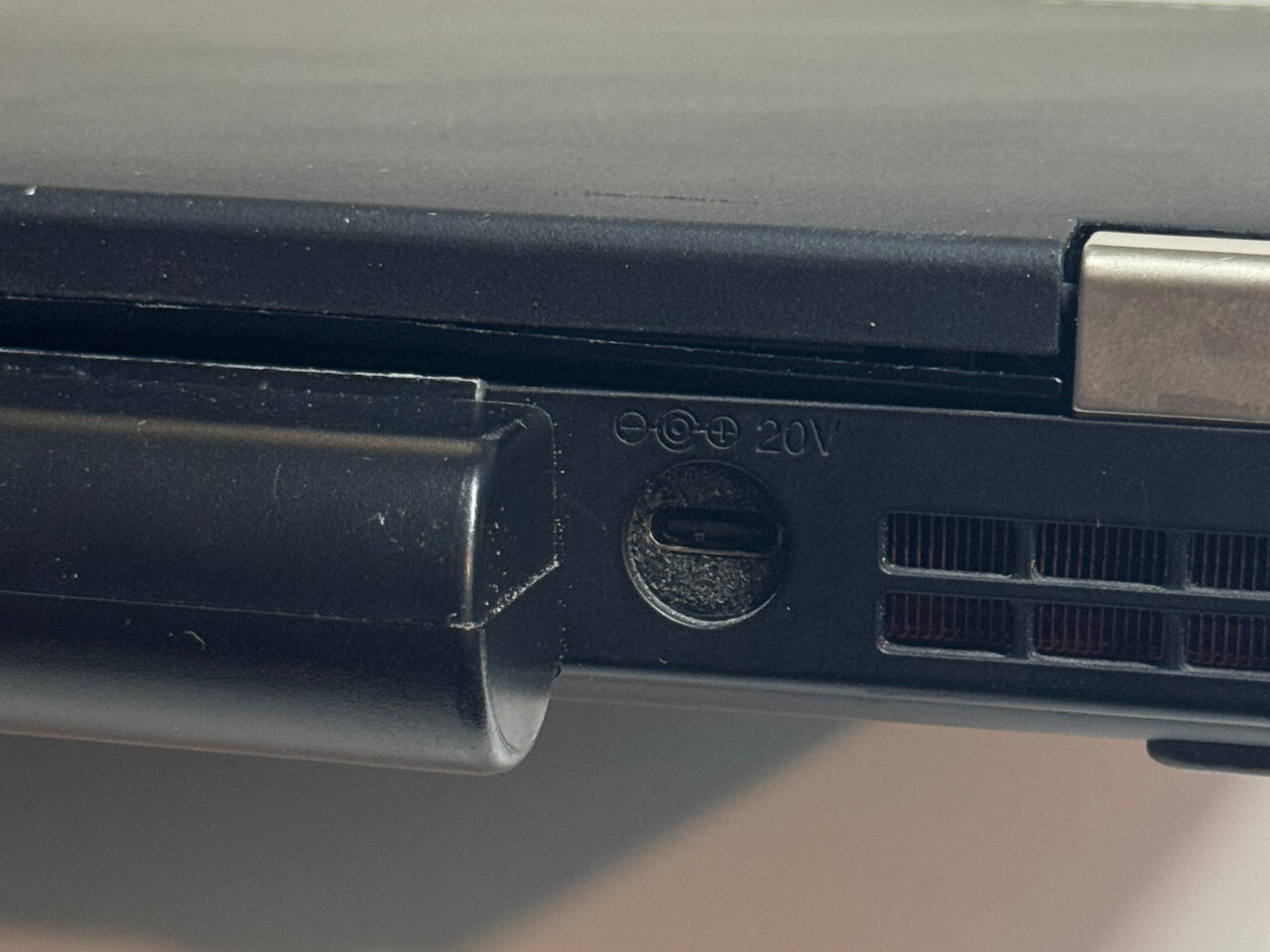
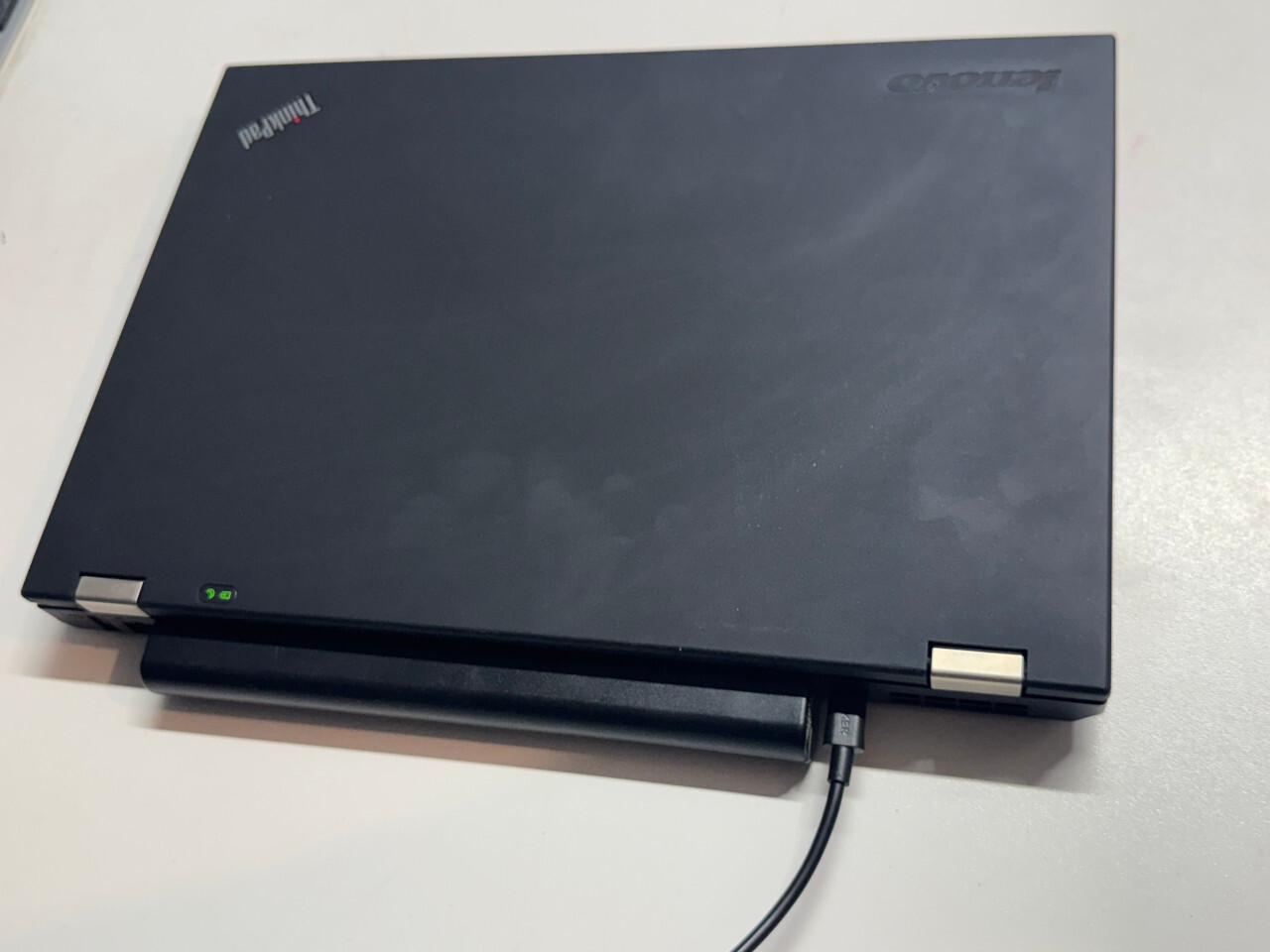
The charging LED still works just fine.
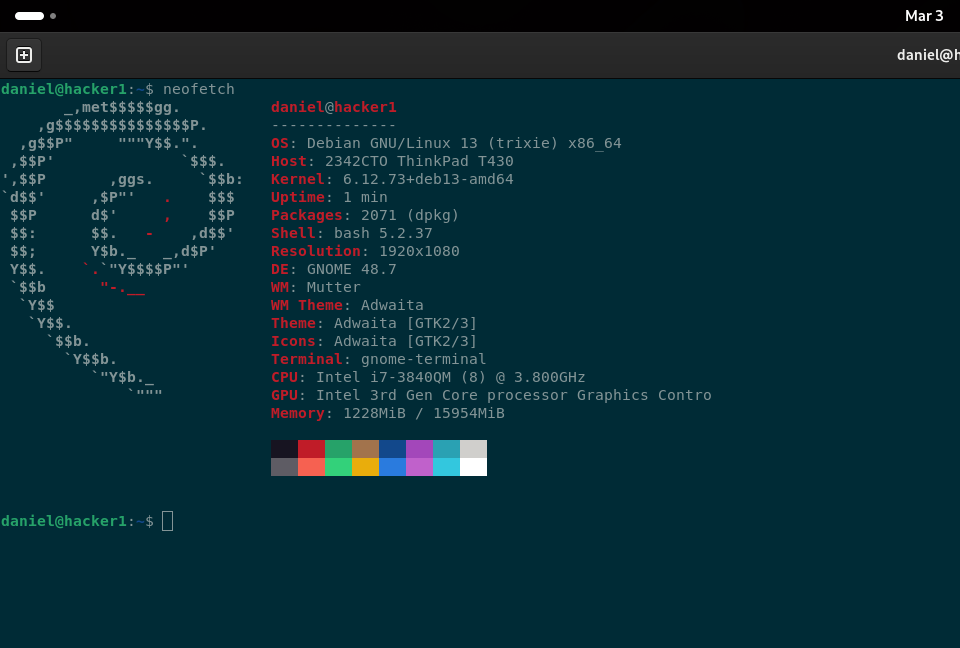
The CPU is really a huge upgrade over the original. Thankfully that’s a very easy upgrade to make as this laptop has a socketed CPU. 4 cores/8 threads instead of 2 cores/4 threads, +800MHz boost clocks, and +5MB of L3 cache. I needed to upgrade the heatsink and fan to keep the higher wattage chip from overheating. For that I purchased the cooling system from a T430 sold with a discrete GPU which has a faster (and louder) fan and a second heatpipe.
As far as RAM goes, 16GB is still plenty even in 2026. And with the way RAM prices are going I suspect software publishers will be targeting that amount for a few extra years. But sadly it is not possible to upgrade further.
The last major upgrade left is the installation of the classic 7-row T420 keyboard. I have one sitting next to me right now. But the tooling available to patch the motherboard’s firmware to properly support it only works on the original Lenovo firmware. So it looks like I’ll have to break out the old SPI programmer and do two cycles of firmware flashing (back to stock, patch with legacy keyboard support, reinstall CoreBoot).
I might also try to do a cell replacement on the battery. The battery life isn’t great - maybe 3 hours of browsing the web at max brightness. Fresh 18650s at the highest capacity I can find from a reputable brand should meaningfully improve that.